In this guide
The right allowance depends less on trip length than on video. Maps, messages and booking apps use relatively little data; social video, cloud photo uploads, video calls and tethering can consume several gigabytes quickly.
The short version: allow 3–5 GB for a one-week city break with maps, messaging and ordinary browsing. Choose 10–20 GB for frequent social media, video calls or uploads. Heavy streaming and hotspot use may justify a genuinely unlimited plan—after checking its fair-use limit.
Practical allowance guide
| Traveller type | One week | Two weeks | Typical use |
|---|---|---|---|
| Light | 1–3 GB | 3–5 GB | Messaging, maps, tickets and light browsing |
| Typical | 3–5 GB | 5–10 GB | Regular maps, browsing, social photos and occasional short video |
| Heavy | 10–20 GB | 20–40 GB | Social video, calls, uploads and some streaming |
| Hotspot/streaming | 20 GB to unlimited | 40 GB to unlimited | Laptop tethering, HD video and work calls |
These are planning ranges, not guarantees. App settings, video quality and background activity can change usage dramatically.
What consumes the most data?
| Activity | Relative use | Planning advice |
|---|---|---|
| Text messaging | Very low | Images, voice notes and video increase it |
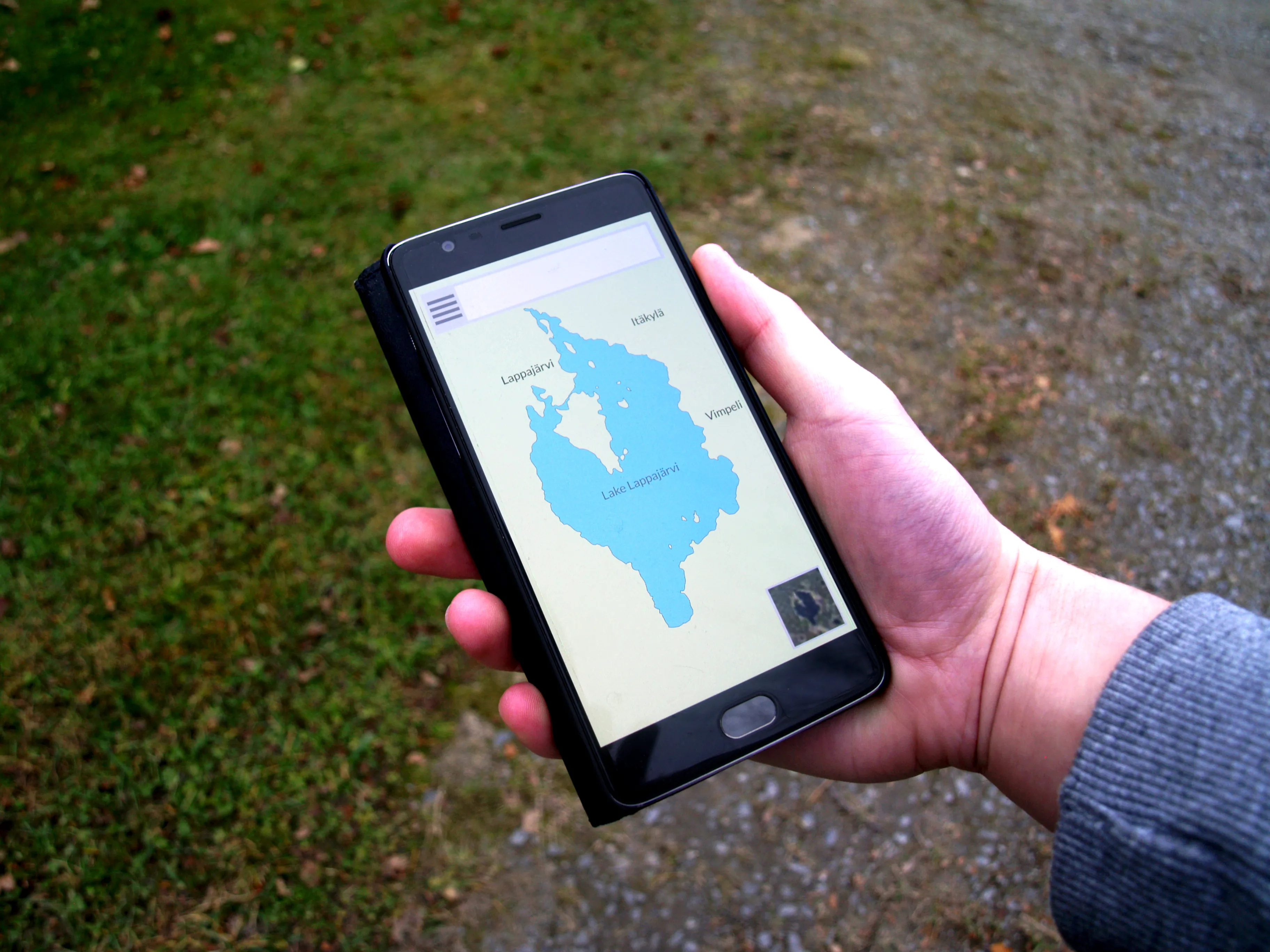
| Maps and live navigation | Low to moderate | Download offline areas first |
| Email and web browsing | Low to moderate | Large attachments and media-heavy sites increase use |
| Music streaming | Moderate | Download playlists on Wi-Fi |
| Social feeds | Moderate to high | Autoplay video is the main cause |
| Video calls | High | Use hotel Wi-Fi for long calls where practical |
| HD video streaming | Very high | Download programmes before travelling |
| Photo/video cloud backup | Potentially very high | Restrict backup to Wi-Fi |
| Laptop hotspot | Variable to very high | Computers may update and sync in the background |
Estimate from your normal use
The most reliable starting point is your phone’s own history.
On iPhone, review Settings → Mobile Service/Cellular and reset the statistics at the beginning of a normal week if necessary. On Android, look for Network & internet, Connections or Data usage; wording varies.
Then subtract activities you will move to Wi-Fi and add a buffer for maps, translation, transport apps and additional photo sharing.
Reduce data use before leaving
- Download offline maps for the destination.
- Download music, podcasts, films and translation languages.
- Turn off mobile-data app updates.
- Restrict cloud photo and video backup to Wi-Fi.
- Disable high-resolution social-media uploads.
- Turn off autoplay video where possible.
- Save tickets, hotel details and guide pages offline.
- Use low-data or data-saver modes.
Be careful with “unlimited”
An unlimited plan may still contain:
- a daily high-speed limit;
- lower speeds after a fair-use threshold;
- no tethering or a separate hotspot limit;
- restrictions on video quality;
- a fixed number of valid days.
Read the full terms. A transparent 20 GB plan can be more useful than “unlimited” data slowed after the first 1 GB each day.
One plan for several people?
A hotspot can share one allowance, but it also creates a single point of failure. Check tethering permission and remember that laptops may download updates, synchronise cloud files and back up photographs automatically.
For a family, individual smaller plans may provide resilience and let people separate during the day. For two travellers who remain together, one larger hotspot-enabled plan plus a small backup can work.
What happens if you run out?
Check before buying whether the plan:
- stops data completely;
- reduces speed;
- renews automatically;
- permits a top-up;
- requires installing a second eSIM.
Avoid automatic top-ups unless you understand the price. Set data warnings on the phone and check the provider’s usage meter.
Related guides
- Travel SIM Cards and eSIMs: Beginner’s Guide
- eSIM vs Physical SIM
- Should You Buy a SIM Card at the Airport?
The figures are practical estimates, not provider guarantees. Check actual device usage and plan conditions before purchasing.